What Does UPS Mean for a Computer? A Simple Guide What Does UPS Mean for a Computer?
UPS full form is Uninterruptible Power Supply. For a computer, a UPS is a device that provides emergency power when the main electricity fails. It also protects against voltage surges and sags.
Why Does a Computer Need a UPS?
- Prevents data loss – Gives you time to save your work and shut down properly.
- Protects hardware – Shields your computer from sudden power surges that can damage components.
- Maintains productivity – Keeps your system running during short outages (minutes to hours).
How Does a UPS Work?
A UPS sits between your computer and the wall outlet. It constantly charges its internal battery. When the power drops or spikes, the UPS instantly switches to battery mode – fast enough that your computer never notices the interruption.
What to Look for in a UPS for Your Computer
- Capacity (VA/Watts) – Ensure it can handle your computer + monitor + other peripherals.
- Number of outlets – Enough for your essential devices.
- Software management – Some UPS models include software to auto‑shutdown your PC safely.
- Battery runtime – How many minutes of backup power you need.
Next Step: Monitor Your UPS Battery Health
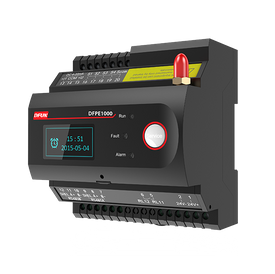
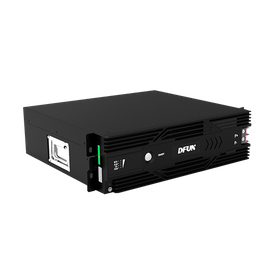
Even the best UPS will eventually fail if its batteries are not monitored. A sudden battery failure during an outage can still cause data loss. Learn how to monitor your UPS battery health to prevent unexpected shutdowns.
→ Discover our battery monitoring solution for critical systems